Mutagen Sync
Monitor and control Mutagen sync sessions directly from VS Code — status bar, tree view, pause/resume, all in one place.
Monitor and control Mutagen sync sessions directly from VS Code — status bar, tree view, pause/resume, all in one place.
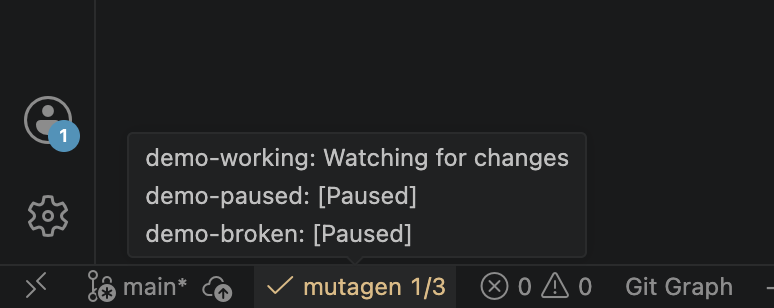
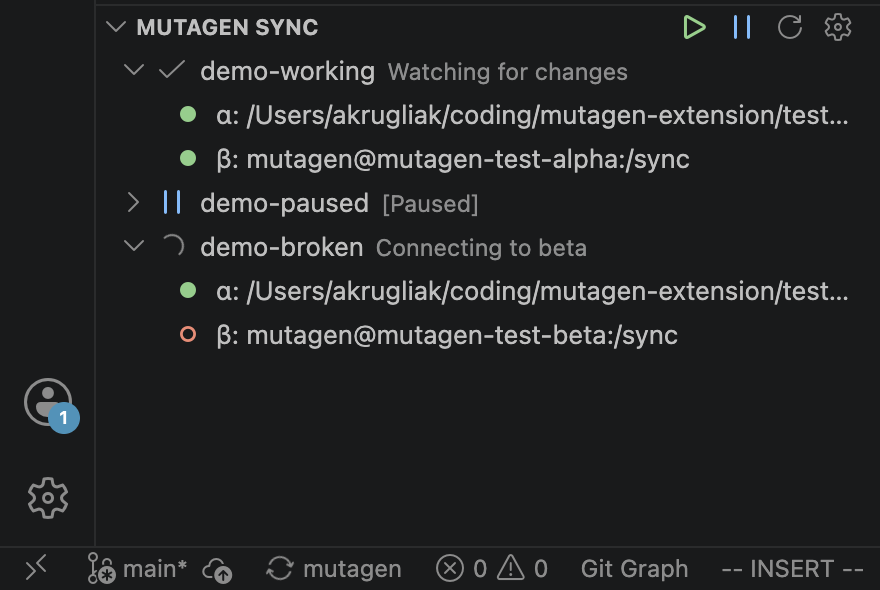
Session health at a glance — healthy count, animated sync icon, error highlight. Click to open the panel.
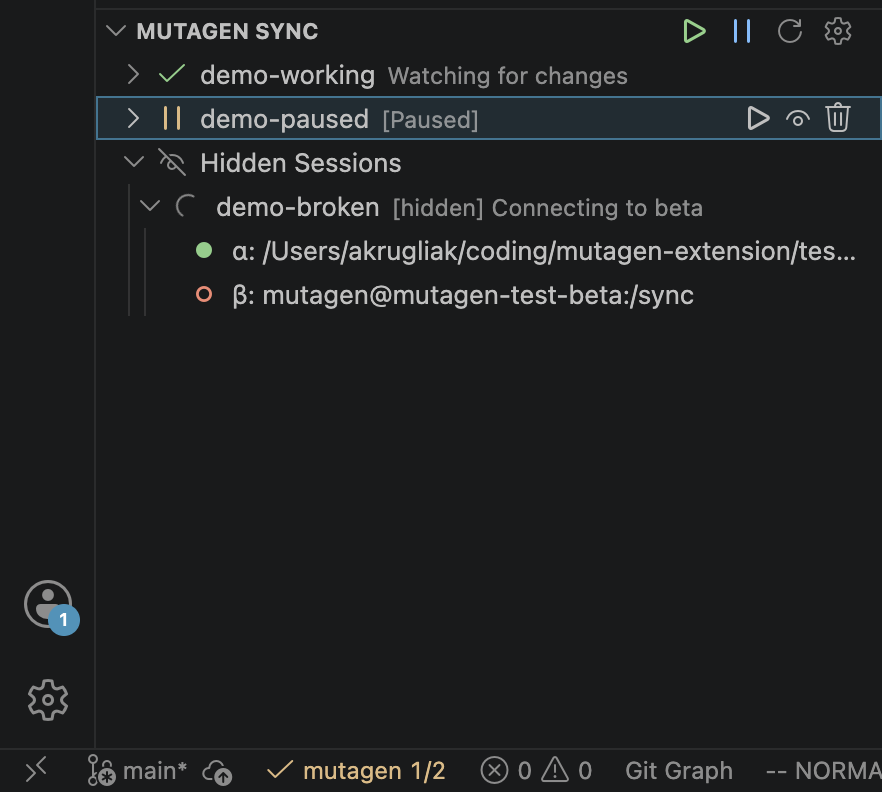
All sessions with expandable details: endpoints, connection state, last error, conflicts.
Pause, Resume, Flush, Terminate — per session, right in the tree view without leaving your editor.
Pause All / Resume All from the panel toolbar. Works on hidden sessions too.
Polls mutagen sync list every 10 seconds (configurable down to 3 s).
Hide noisy sessions from the main list without terminating them. All controls remain available.